How to Ask AI About Your Spending (Prompts That Work)

Junior Y.
Founder, Spendify

Most people ask AI about money the wrong way. They type “how do I save money?” into ChatGPT, get a list of tips they already knew, and conclude AI is useless for personal finance. The problem isn’t the AI. It’s that you asked a generic question with no data. In 2026, that’s a solved problem: the major assistants can now read your real accounts. Here’s how to actually ask.
Quick answer: Ground the question in your real numbers, then ask something specific and comparative. Connect your accounts (ChatGPT’s bank connection, or a finance app’s MCP server for Claude), or paste a transaction export, and ask things like “break down last month by category and show what grew most” instead of “how can I save money.” Specific, data-grounded prompts get real answers.
Disclosure: We make Spendify, a personal finance app with an MCP server that lets AI read your real spending and payoff plan. So we’re biased toward the “connect your data” approach. We’ll also show you how to get value with nothing but a CSV and a chat window.
Step 1: Give the AI your real numbers
This is the step everyone skips, and it’s the only one that matters. An AI with no access to your data can only give you advice it could give anyone. There are three ways to fix that in 2026, from least to most powerful:
- Paste or upload a transaction export. Download a CSV from your bank and drop it into the chat. Fastest for a one-off analysis; nothing stays connected.
- Use a built-in bank connection. ChatGPT can now connect to your accounts (read-only, via Plaid) and answer questions against live data.
- Connect a finance app’s MCP server. Apps like Spendify expose an MCP server so Claude can query your real spending and debt-payoff plan, and reason over a structured, persistent picture instead of a flat export.
The third option is the most powerful because the AI sees not just transactions but context: your budget, your plan, your progress. But even option one, a pasted CSV, beats a question with no data every time.
Step 2: Ask specific, comparative questions
Once the AI can see your numbers, the quality of your answer depends entirely on the quality of your question. The pattern that works: specific + comparative + actionable.
Here are prompts that get real answers, organized by what you’re trying to learn.
Understand where your money went
Break down my spending last month by category. Show me the three
categories that grew the most compared to the previous month, with
the dollar change for each.
Find money you’re leaking
Look at my recurring charges over the last three months. Which ones
look like subscriptions I might have forgotten about, and what's the
total monthly cost of the ones under $20?
Pressure-test a decision
If I cut my top discretionary category by 20% and put that money
toward my highest-interest debt, how much would I save in interest
over a year? Show the math.
Catch problems early
Compare my spending so far this month to the same point last month.
Am I on track to come in over or under, and in which categories?
Notice what these have in common: a timeframe, a comparison, and a concrete number to return. That’s the difference between analysis and a fortune cookie. For a bigger library, see our 20 ChatGPT prompts that actually help you manage money and 5 questions to ask your AI about your money right now.
Step 3: Push back and go deeper
The first answer is a starting point, not the end. The people who get real value from AI treat it like a conversation:
- “Why?”: “You said groceries grew $140. Break that down by store and week.”
- “What if?”: “What if I moved that $140 into savings instead?”
- “Are you sure?”: AI occasionally hallucinates numbers. Ask it to show its work, and spot-check against your statement.
This back-and-forth is where the insight lives. A single question gets you a number; a conversation gets you a decision. Our guide on using AI to actually manage your money goes deeper on this workflow.
What to avoid
A few rules that keep this safe and useful:
- Don’t paste account numbers, card numbers, or your SSN. Connect through an official integration instead; identifiers don’t belong in chat history.
- Don’t trust specific numbers blindly. Tax brackets, interest rates, exact balances: verify before acting. (More on AI’s risky spots for finance.)
- Don’t expect memory. A chat forgets. If you want the AI to track your budget and progress over time, you need a finance app underneath it, not just a chat window.
Where Spendify fits
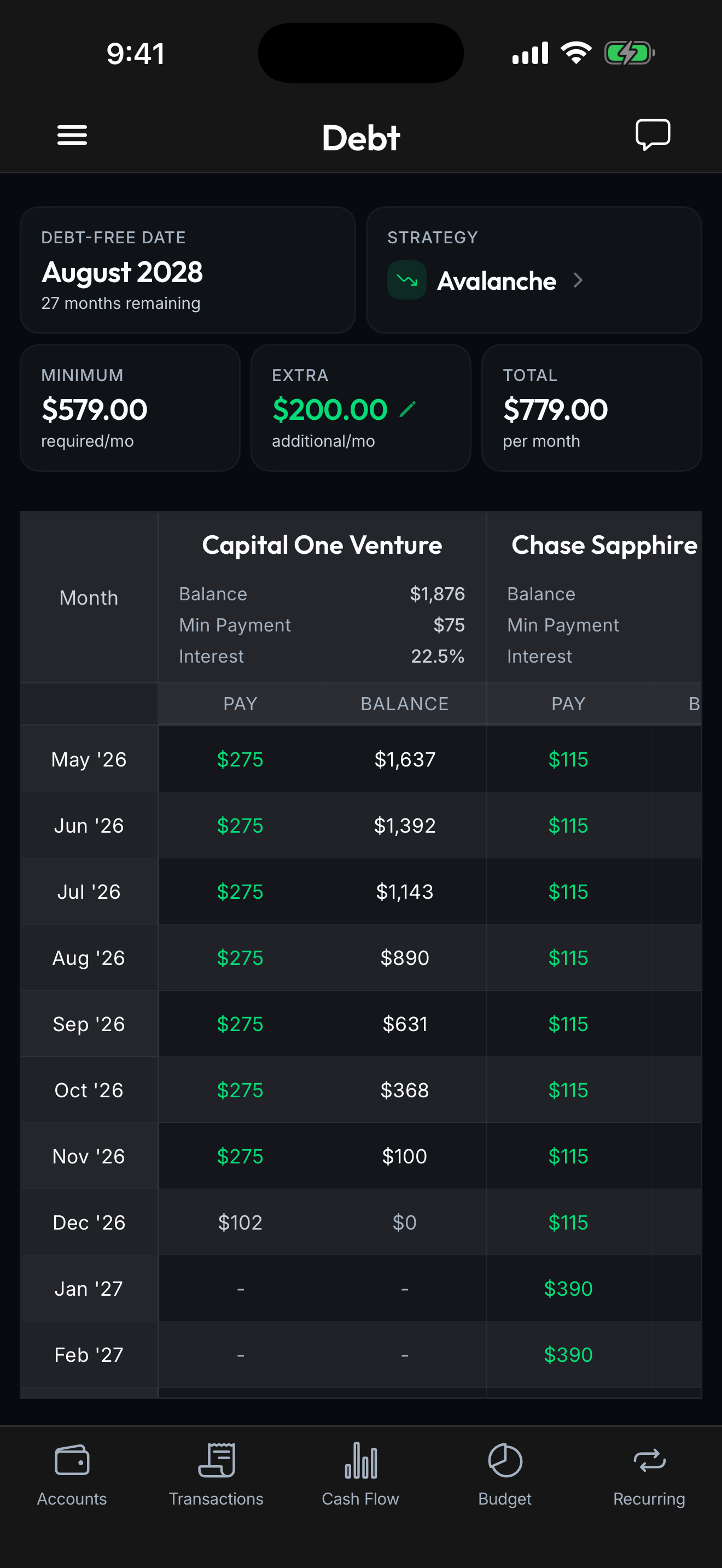
The ceiling on “ask AI about your spending” is the data the AI can see. Spendify gives it the richest possible picture: your connected accounts, a real budget, and an exact debt-payoff plan, exposed through an MCP server so Claude or ChatGPT can reason over all of it, not just a flat list of transactions. You ask “what should I cut, and when will I be debt-free?”; the AI answers from your actual plan, because it can see it.
$4.99/month or $49.99/year. iOS, Android, and web.
See how Spendify connects AI to your finances → · Connect Claude to your bank accounts in 5 minutes →
Related reading: ChatGPT can now connect to your bank accounts · 20 ChatGPT prompts for managing money · How to use AI to actually manage your money