How to Use AI to Actually Manage Your Money (Not Just Get Generic Advice)

Junior Y.
Founder, Spendify

You’re probably using AI for money wrong
If your experience with AI and personal finance looks like this, you’re not alone:
You: “How should I budget my money?”
AI: “A common approach is the 50/30/20 rule: 50% on needs, 30% on wants, and 20% on savings and debt repayment…”
It’s not wrong. It’s just useless. You’ve heard the 50/30/20 rule before. You didn’t need AI for that.
The problem isn’t the AI. The problem is that it doesn’t know anything about your money. And without your data, it can only give advice that applies to everyone, which means it applies to no one in particular.
Here’s how to fix that.
Stage 1: Generic prompts (where most people stop)
This is where 46% of Americans are right now. They open ChatGPT or Claude, ask a broad financial question, and get a broad answer.
- “How do I pay off credit card debt?” → You’ll get snowball vs. avalanche explained for the 10,000th time.
- “How much should I save for an emergency fund?” → “3-6 months of expenses.” Thanks.
- “Is $500 too much to spend on groceries?” → “It depends on your household size and location.” Helpful.
The answers are technically accurate and practically useless. They’re the financial equivalent of asking a doctor “how do I get healthy?” without telling them your age, weight, or symptoms.
Stage 2: Copy-paste your data (better, but messy)
Some people figured out they could paste bank statements or transaction lists into AI and ask questions about them. This is a big step up.
- Export a CSV from your bank
- Paste it into Claude or ChatGPT
- Ask “where am I overspending?”
The AI can now see actual numbers, and the answers get dramatically better. Instead of “consider tracking your dining expenses,” you get “you spent $847 on restaurants in March, up 34% from February.”
But this approach has problems:
It’s manual. You have to export, copy, paste every time. Most people do it once and never again.
It’s incomplete. You’re usually pasting data from one account at a time. Your financial picture is spread across checking accounts, credit cards, loans, and savings. You’d need to combine them all.
It’s a snapshot. The data is frozen the moment you paste it. Ask a follow-up question next week, and the AI is still looking at last week’s numbers.
It’s insecure. You’re pasting financial data into a chat window. Depending on the platform’s data policies, that data might be used for training or stored in ways you didn’t intend.
Stage 3: Connect your live data (where it gets real)
This is what MCP, Model Context Protocol, was built for. Instead of manually feeding data to AI, you create a live connection between your financial data and your AI tool.
With Spendify’s MCP server, your AI has read access to your accounts, transactions, budgets, categories, merchants, and recurring charges. In real time. Updated automatically. Secured with OAuth 2.1.
The difference in answers is stark.
Stage 1 answer: “Most financial experts recommend spending no more than 10-15% of your income on dining out.”
Stage 3 answer: “You spent $847 on dining in March across 23 transactions. Your top merchants were Chipotle ($124, 8 visits), Uber Eats ($198, 12 orders), and Olive Garden ($89, 2 visits). This is 18% of your take-home pay and 34% above your $630 budget. Uber Eats alone accounts for 23% of your dining spending.”
Same question. Completely different answer. One is advice you could find in any blog post. The other is analysis of your actual financial life.
What to do once your data is connected
Here’s a practical playbook for getting real value from AI + your financial data:
Weekly: the 2-minute check-in
Ask your AI: “Quick budget check, any categories I should watch this week?”
This replaces the manual habit of opening your finance app and scanning through categories. The AI flags what matters and ignores what’s fine.
Monthly: the full review
Ask your AI: “Run a full spending review for last month. Compare to the previous month, check budget status, and highlight the top 3 things I should know.”
This is the monthly money review that everyone says you should do and almost nobody actually does. With connected data, it takes 60 seconds instead of 30 minutes.
As-needed: specific questions
This is where connected AI really shines. Random Tuesday at lunch and you’re wondering:
- “Can I afford to buy that $300 thing?” → AI checks your remaining budget, upcoming bills, and account balances.
- “How much have I spent at Amazon this year?” → Instant merchant lookup.
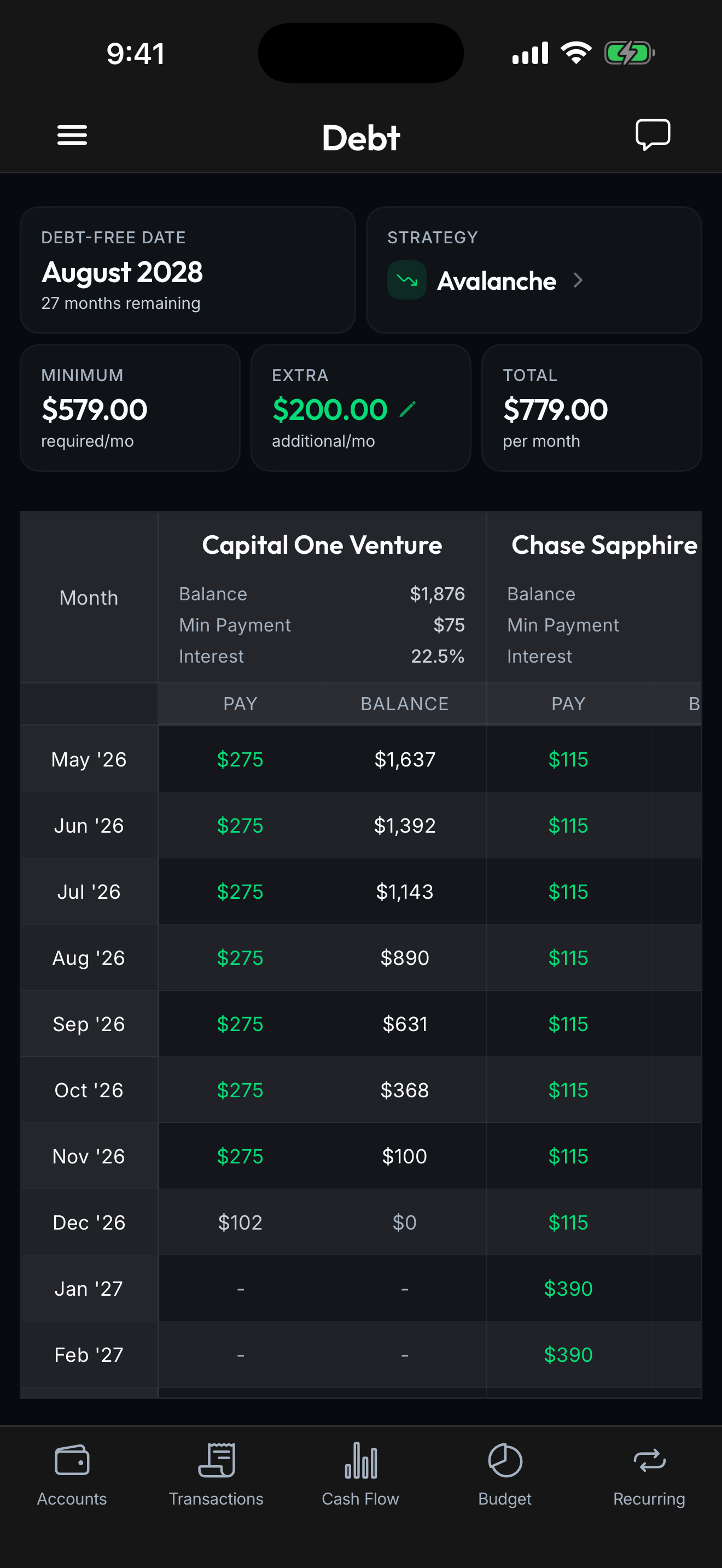
- “If I put an extra $200 toward my credit card this month, how does that change my debt-free date?” → Real projection based on your actual debts, rates, and payment schedule.
These aren’t questions you’d schedule time to answer. They pop up in the moment, and having an AI that can answer them from your real data in seconds is genuinely useful.
The tools you need
A finance app that supports MCP. Spendify’s MCP server connects to Claude.ai, Claude Desktop, Claude Code, VS Code, Cursor, and any MCP-compatible client. 30+ tools, both read and write access.
An AI tool. Claude.ai is the easiest to set up. Add Spendify as a custom connector with one URL. Claude Desktop and VS Code need a small JSON config. Full setup instructions on our MCP page.
Two minutes. That’s genuinely how long setup takes.
Stop asking AI what “most people” should do
Generic AI advice is the equivalent of reading a Wikipedia article about your symptoms instead of going to a doctor. It’s better than nothing, but it’s not personalized and it’s not actionable.
Connect your actual data. Ask specific questions. Get real answers.
Your AI is as smart as the data you give it. Give it yours.