

Built for Homeowners
Your Mortgage Has a Finish Line. See It
Track your mortgage payoff date, watch home equity grow in your net worth, and budget for every property expense, all in one place.
Learn moreTrack irregular income, separate business expenses for tax time, and plan for quarterly payments, without a spreadsheet or an accountant.
Unlimited
Workspaces
Auto
Categorization
13,000+
Banks Supported

Fixed-income budgeting apps don't work when your income changes every month.
One month you make $8,000, the next $2,500. Traditional budgets assume a steady paycheck. They break the moment your income fluctuates.
Client dinners, software subscriptions, home office costs. When business and personal spending share an account, tax time becomes a nightmare.
Scrambling to find deductible expenses in February because nothing was categorized during the year. Quarterly estimates are a guess at best.
Separate workspaces, auto-categorization, and budgets that flex with your income.
One workspace for freelance income and expenses, another for personal. Clean separation means you always know what's deductible.
Set up transaction rules once, software subscriptions, coworking fees, client meals, and every future transaction is categorized automatically.
Budget based on your lowest income month. When you earn more, rollover carries the surplus forward. When income dips, the buffer is there.
Track income month by month so you can estimate quarterly payments accurately. No more guessing. You can see exactly what you've earned.
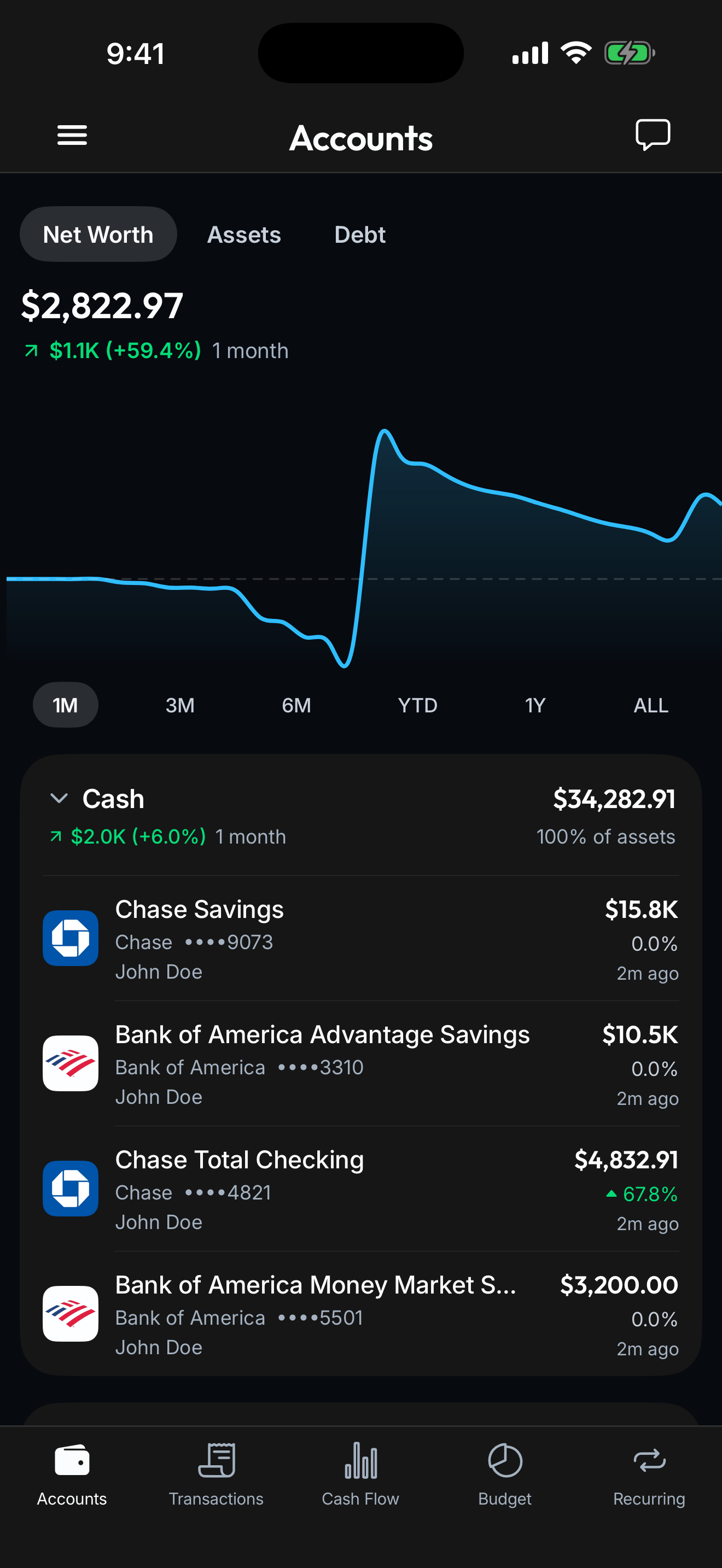
Connect your banks, cards, loans, and investments once. Spendify keeps everything in sync so the whole financial picture stays current without a single spreadsheet.
See how it worksOne for your freelance business, one for personal. Keep them separate from the start.
Link business and personal bank accounts. Set up auto-categorization rules for recurring expenses.
See income trends, categorized expenses, and budget health. When quarterly taxes come due, your numbers are ready.
Set your budget based on your lowest expected monthly income. When you earn more, the rollover feature carries surplus into future months, building a buffer for slower periods. You always know your floor.
Yes. Create a dedicated workspace for your freelance business with its own accounts, budgets, and transaction categories. Your personal workspace stays completely separate, great for tax time.
You create rules based on merchant name, amount, or date pattern. For example: any transaction from 'Adobe' gets tagged as 'Software Subscriptions.' New transactions matching those rules are categorized automatically.
Yes. All deposits into your connected accounts are tracked. You can categorize income by client using transaction rules, giving you a clear picture of where your revenue comes from.
No. Spendify handles day-to-day tracking, budgeting, and expense categorization. For invoicing, payroll, and tax filing, you'll still need accounting software. Think of Spendify as the visibility layer that keeps you organized so tax prep is painless.
Yes. Invite your accountant or bookkeeper to your business workspace with Viewer access. They see your categorized transactions and spending summaries, nothing from your personal workspace.
Life rarely fits one label. See how Spendify adapts to other chapters.
Track your mortgage payoff date, watch home equity grow in your net worth, and budget for every property expense, all in one place.
Learn more
You just got your first real paycheck. Spendify helps you budget it, track your spending, and make a plan for that student debt, all in one app.
Learn more
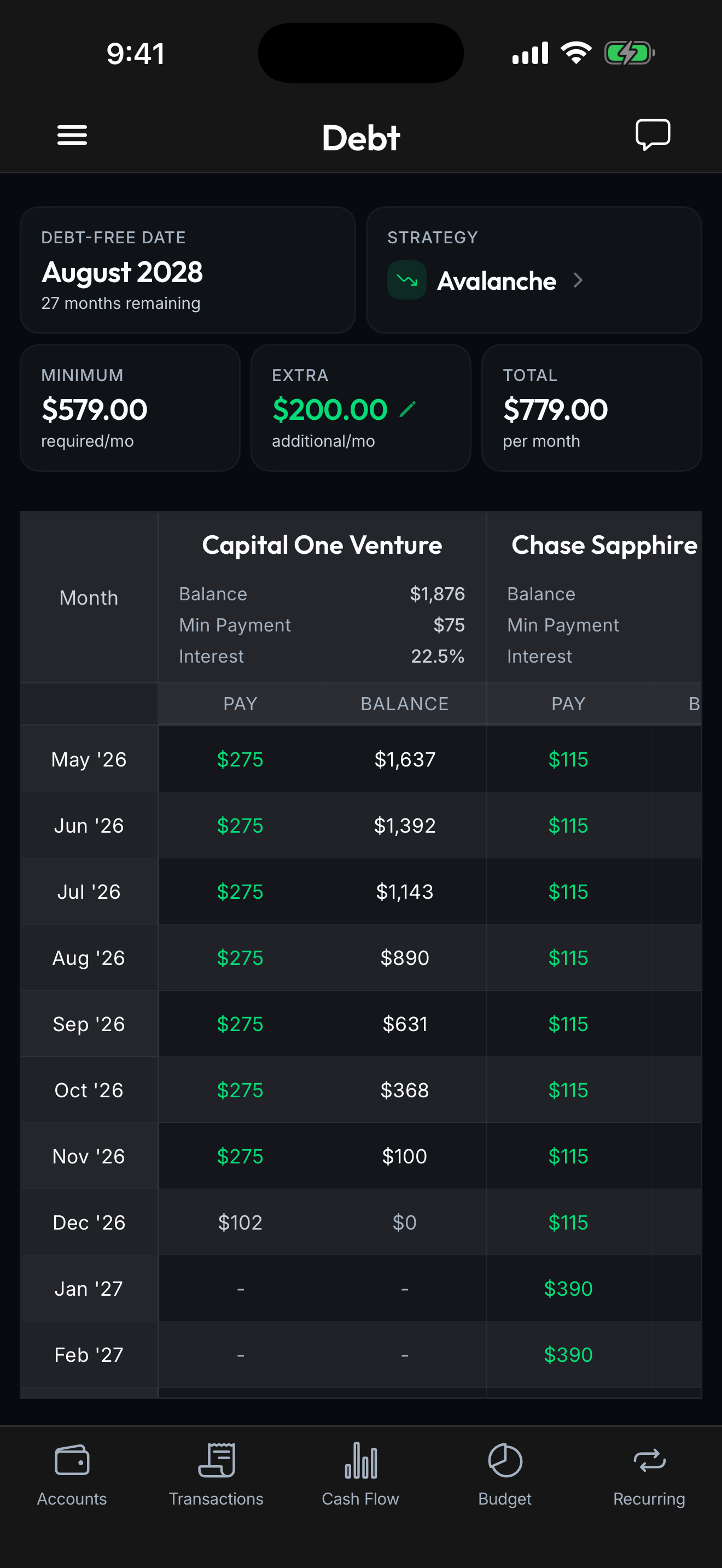
Stop guessing when you'll be free. Spendify calculates your exact payoff date, compares strategies, and shows how extra payments change your timeline.
Learn moreMore on the ideas behind this playbook.
May CPI hit 4.2%, the highest in three years. Here's what re-accelerating inflation does to your budget in real dollars, and the concrete moves to defend it.
Read articleThe Fed meets June 16-17, 2026 and cuts are off the table. Some officials are floating hikes. Here's what higher-for-longer rates mean for your money.
Read articleTry free for 7 days. Cancel anytime.