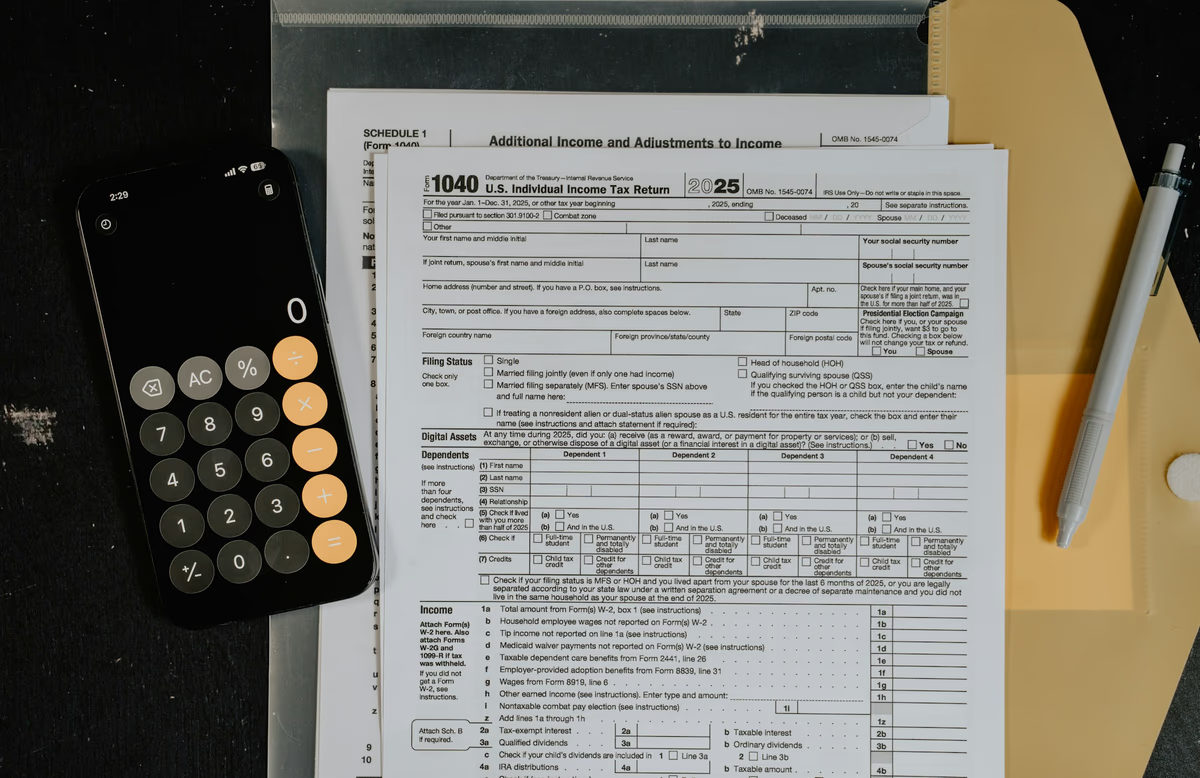
Should You Let AI File Your Taxes in 2026? The Honest Answer

Junior Y.
Founder, Spendify
In April 2026, three things happened in tax software in the same week. TurboTax announced a Claude integration. ChatGPT added a tax-document analyzer. The New York Times ran a piece warning readers not to trust AI with their returns. About 1 in 4 Americans used AI somewhere in their tax prep this season, according to CBS News.
We tested all of it on three real returns: a simple W-2 single filer, a married couple with two kids and a side hustle, and a self-employed contractor with rental income. Here’s what AI actually does well, where it falls apart, and what to do if you’re tempted to file this way.
Disclosure: We make Spendify, a personal finance app. We don’t do taxes. We do help you track the spending and income that feeds a tax return, which is the part where AI is most useful, year-round.
What AI is genuinely good at in tax season
1. Explaining anything the IRS wrote
Tax forms are written by people who do not want to be sued. Reading a Schedule C instruction page is a special kind of pain. AI is excellent at translating “the partnership’s distributive share of section 1245 recapture” into English.
Best prompt:
Explain what "[exact phrase from form/instructions]" means in plain English,
with a one-sentence example of when it applies to a regular person.
Both Claude and ChatGPT do this well. Claude is slightly more cautious about acknowledging when it’s unsure.
2. Identifying deductions you might miss
Give an AI a list of your spending categories and your job title and ask “what deductions am I likely missing?” You’ll usually get 3 to 5 worth investigating. Examples that showed up in our tests:
- Home office (square-footage method vs simplified $5/sq-ft)
- Self-employment health insurance
- Educator expenses for K-12 teachers
- Student loan interest for incomes below the phase-out
- Sales tax deduction in states with no income tax
The AI won’t always be right that these apply to you, but it surfaces them so you can investigate.
3. Answering “is this taxable?” questions
Did you get a referral bonus? Sold concert tickets at a markup? Got a 1099-K from PayPal for $612 of garage sale revenue? AI is good at the “is this taxable, and if so what category?” question because that’s pure information retrieval.
4. Drafting questions for your CPA
If you’re paying a CPA anyway, AI is excellent at producing a tight pre-meeting question list. “Given my situation [paste], what are the 5 questions I should ask my CPA that will save the most money?” That prompt is worth more than most of the rest of this article.
Where AI falls apart
1. Multi-state filings
The married-couple test case had a state move mid-year. Three different models produced three different (wrong) answers about how to allocate income between states. This is where rules diverge per state, the AI’s training data is patchy, and a small error compounds. Don’t trust AI on multi-state.
2. Specific tax law and dollar thresholds
AI will confidently cite a 2023 number for a 2025 phase-out limit. Tax brackets, contribution limits, AMT exemptions, student loan interest deductions, EV credit caps: all of these change yearly, and the AI’s training data is rarely current to the year you’re filing. Verify every specific number against IRS.gov or current tax software before you trust it.
3. Self-employment and Schedule C
Our self-employed contractor test case revealed that even Claude, the most cautious of the four, got confused about whether health-insurance premiums went on Schedule 1 vs Schedule C. The math worked out a $1,400 difference. A CPA caught it.
4. Audit defense
If you get audited, the AI cannot represent you. It cannot produce records. It cannot recall what you typed three years ago. Your CPA can, and a paid preparer signs the return, which puts some accountability on them. AI signs nothing.
5. Actually e-filing
Repeat for clarity: as of 2026, no AI assistant can submit a federal return on its own. TurboTax’s Claude integration runs the conversation through Claude but executes filing inside TurboTax’s certified e-file pipeline. The “AI filed my taxes” headline is, at this moment, mostly marketing.
The TurboTax + Claude integration: what it actually does
Announced in April 2026, the integration lets you ask Claude tax questions inside the TurboTax workflow. Claude has tool access to TurboTax’s tax engine, which means:
- It can pull your actual return data into the conversation
- Numbers it cites for your return are the real numbers, not hallucinations
- It can explain why a specific line on your return shows what it shows
- It still cannot file without you clicking “submit” in TurboTax
Is it useful? Yes, if you already pay for TurboTax. It’s the cleanest version of “AI for taxes” available right now. The actual filing security and accuracy is on TurboTax’s side, not Claude’s.
ChatGPT has a similar (but earlier-stage) partnership with H&R Block.
The safe AI tax workflow for 2026
If you want to use AI for taxes this year without getting yourself in trouble:
- Gather documents. W-2s, 1099s, 1098s, prior return.
- Redact PII before uploading. SSN, full account numbers, and home address. AI doesn’t need them.
- Use AI to understand, not to compute. Ask “what is this form telling me?” not “what should I write on line 16?”
- Run the numbers in real filing software. TurboTax, FreeTaxUSA, H&R Block, or a CPA. The math should match what the software says. If it doesn’t, trust the software.
- Spot-check 3 random numbers. Pick 3 specific things the AI claimed (a deduction amount, a bracket, a phase-out) and verify them against IRS.gov. If any are wrong, treat the AI’s other claims as suspect.
- File through certified software, not AI. The IRS does not accept AI-generated returns directly.
Where AI helps most: the year before tax season
The biggest win from AI in 2026 isn’t filing day. It’s the 11 months before, when your records are being built or destroyed. AI can:
- Categorize transactions correctly so deductions show up at tax time
- Flag “is this deductible?” questions in real time, not in April
- Remind you to track receipts for the categories that actually save money
That’s where a finance app + AI starts to matter more than a smarter tax filing flow. If your spending records are clean, tax season is mechanical. If they’re a mess, no AI can save you in April.
Use a tax refund the right way → · AI financial advisor vs human → · Is it safe to give AI your financial data? →
Bottom line
Use AI for taxes if: you have a simple return, you want to understand what’s on it, and you’re filing through certified software anyway.
Don’t use AI for taxes if: you’re self-employed, have rental income, equity comp, capital gains, or multi-state filings. Get a CPA. Use AI to draft questions for them.
Either way: don’t believe a specific number an AI gives you about tax law without checking it. The IRS doesn’t care that an AI told you it was deductible.
The real win from AI in personal finance isn’t filing. It’s the work that makes filing easier the next year. That part starts now.