Is It Safe to Connect Your Bank to a Budgeting App? (2026)

Junior Y.
Founder, Spendify

The question everyone asks but nobody wants to look paranoid for asking
“Should I really give a finance app access to my bank account?”
Fair question. You’re not paranoid for asking it. Your bank account is the most sensitive digital asset you have. Handing access to a third-party app should feel like a big deal.
But the answer, for most modern finance apps, is more reassuring than you’d expect. Here’s how it actually works.
You’re not giving your bank password to the app
This is the biggest misconception. When you connect your bank account through a service like Plaid, you’re not typing your bank credentials into the finance app’s servers.
Here’s what happens instead:
- The app opens a secure Plaid widget, a separate, encrypted connection managed by Plaid.
- You log into your bank through Plaid’s interface, not the app’s.
- Plaid authenticates you directly with your bank using the same security protocols your bank uses.
- Plaid sends the app your account data (balances, transactions), but never your login credentials.
The finance app never sees your username or password. Plaid acts as a secure middleman.
Who is Plaid, and should you trust them?
Plaid connects over 100 million accounts to thousands of apps. If you’ve used Venmo, PayPal, Robinhood, Coinbase, Chime, or Cash App, you’ve already used Plaid.
They’re regulated by financial authorities, undergo regular third-party security audits, and are SOC 2 Type II certified. That’s the same security standard banks themselves are held to.
Does that make them immune to problems? No. Plaid settled a $58 million class action in 2022 over data collection practices from their earlier screen-scraping days. That’s worth knowing. But the industry has moved to token-based API connections since then, which is what Plaid uses now. Your credentials aren’t stored; a revocable token is.
What data does the app actually get?
When you connect to Spendify through Plaid, here’s what we receive:
- Account names and types (checking, credit card, loan, etc.)
- Balances (current and available)
- Transactions (date, amount, merchant, category)
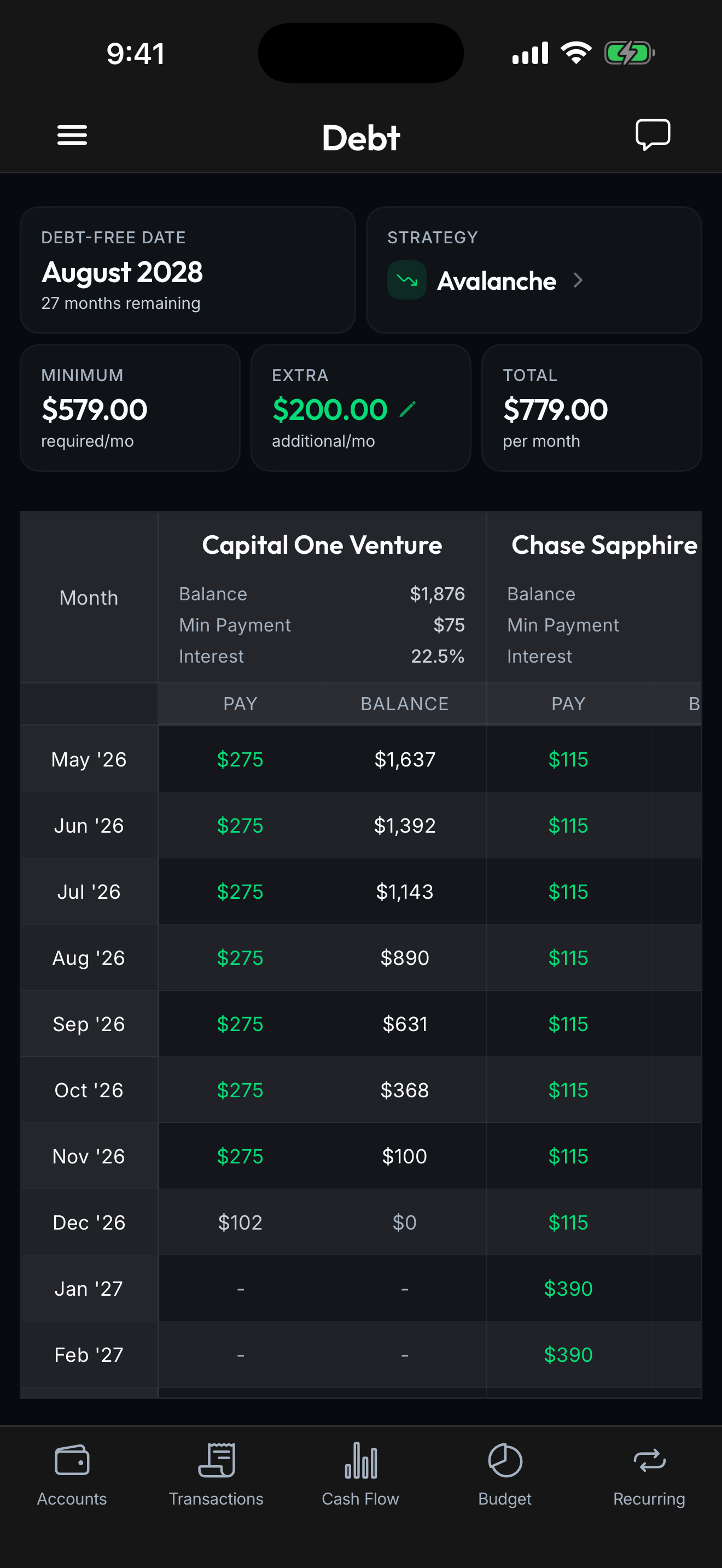
- Interest rates and minimum payments (for debt accounts)
Here’s what we don’t get:
- Your bank login credentials
- Your Social Security number
- Your account or routing numbers (unless you specifically authorize transfers, which Spendify doesn’t do)
- Access to move money in or out of your account
The connection is read-only. Spendify can see your data. It cannot touch your money.
What about Apple FinanceKit?
On iOS, Spendify also supports Apple FinanceKit, Apple’s native framework for accessing Apple Card, Apple Cash, and Apple Savings data. This connection goes through Apple’s own secure infrastructure and stays entirely on-device. No third-party middleman at all.
How Spendify protects your data
Beyond the Plaid security layer:
AES-256 encryption. Your data is encrypted at rest and in transit. This is the same encryption standard used by banks and the U.S. government.
No data selling. Ever. Spendify is a subscription app. We make money from your subscription, not from selling your financial data to advertisers or data brokers.
Face ID / Touch ID. The app requires biometric authentication to open.
You control the connection. You can disconnect any bank account at any time. When you disconnect, Plaid revokes the token and we stop receiving updates.
The real risk comparison
Here’s what most people don’t consider: the alternatives to connecting your bank are often less secure.
Manual entry in spreadsheets. Your financial data sits in a Google Sheet or Excel file. No encryption, no access controls, possibly shared via email. If someone gets into your Google account, they have your full financial picture.
Screenshots and PDFs. Sending bank statements to your accountant, partner, or even pasting them into an AI chat. These often end up in email, cloud drives, or chat histories with no expiration.
Ignoring your finances entirely. The most common alternative, and arguably the riskiest one. Missed payments, unnoticed fraud, subscriptions you forgot about. The cost of not tracking often exceeds the theoretical risk of connecting.
Connecting through a regulated, encrypted service like Plaid is more secure than most of the manual workarounds people use instead.
What to look for in any finance app
If you’re evaluating whether to trust any app with your bank connection, here’s a quick checklist:
Does it use Plaid, MX, or another regulated aggregator? If the app asks for your bank login directly (not through a Plaid/MX widget), that’s a red flag.
Is it a paid app or ad-supported? Paid apps have one customer: you. Ad-supported apps have two: you and advertisers. When those interests conflict, your data usually loses.
Does it have a clear privacy policy? Look for explicit statements about data selling. If the policy says “we may share data with partners to provide personalized recommendations,” that’s usually code for data monetization.
Can you revoke access? You should be able to disconnect at any time, and the app should stop receiving data when you do.
The bottom line
Connecting your bank to a well-built finance app through Plaid is about as safe as online banking itself. The credentials aren’t shared, the connection is encrypted, and the access is read-only.
The real question isn’t whether it’s safe. It’s whether you’re comfortable with a small, well-understood risk in exchange for a complete picture of your financial life, one that can actually help you make better decisions.
For most people, the answer is yes. And if you decide to try it, Spendify connects to over 13,000 institutions and your try Spendify free for 7 days.