Connect Your Bank Accounts to Claude with MCP (2026)

Junior Y.
Founder, Spendify

Your AI is smart. But it doesn’t know your finances.
You can ask Claude or ChatGPT “how should I budget?” and get a solid answer. General principles, percentage breakdowns, maybe a mention of the 50/30/20 rule.
But ask “how much did I spend on DoorDash last month?” and you get nothing. Your AI can’t see your bank account. It doesn’t know your balances, your subscriptions, or whether you’re over budget on groceries.
Nearly half of Americans already use AI for personal finance help. But without real data, AI is guessing. Studies show AI hallucinations hit 27-41% on finance-related questions when there’s no actual data to ground the answers. That’s not a failure of intelligence. It’s a data problem.
We built something to fix it.
What MCP actually is (30-second version)
MCP stands for Model Context Protocol. It’s an open standard created by Anthropic and now adopted by OpenAI, Google, and Microsoft. Think of it as USB-C for AI: one standard connector that lets any AI tool talk to any app.
Spendify built an MCP server so your AI assistant can read your actual financial data, with your permission. No copy-pasting spreadsheets into a chat window. No uploading screenshots of your bank app. No manually typing numbers and hoping you didn’t miss a transaction.
You connect once, and your AI can see your accounts, transactions, budgets, categories, merchants, and more, in real time.
What you can actually ask
Here’s what changes when your AI has access to your real Spendify data:
“How much did I spend on dining out last month?” You get a real breakdown by category, not a guess based on national averages.
“Run a subscription audit.” Your AI finds every recurring charge across all your accounts, spots duplicates and overlapping services, and calculates your total monthly subscription cost.
“Am I over budget anywhere?” A full budget vs. actual comparison. Which categories are over, which have room, and where to adjust.
“Categorize my uncategorized transactions.” AI-assisted bulk cleanup. It suggests categories, applies them, and creates rules so future transactions from the same merchants sort automatically.
“What are my top merchants by spending?” See where your money actually goes, beyond high-level categories. Sometimes the answer is surprising.
“What bills do I have coming up?” Upcoming recurring charges and due dates across all accounts, in one view.
Spendify’s MCP server includes 30+ tools covering accounts, transactions, budgets, categories, merchants, automation rules, recurring charges, and tags. Both read and write access. Plus pre-built prompts for common workflows like monthly spending reviews and subscription audits.
Works with the AI tools you already use
Claude.ai: Add Spendify as a custom connector in Settings. Paste one URL and you’re connected.
Claude Desktop, Claude Code, VS Code, Cursor: One JSON config snippet. Setup takes about two minutes. Full instructions on our MCP page.
Any MCP-compatible client: Because MCP is an open standard, Spendify works with any tool that supports it. As more AI tools adopt MCP, and they will, your Spendify connection works automatically. No updates needed on your end.
OpenAI adopted MCP in March 2025. As they roll out MCP server support to ChatGPT consumers, Spendify will work there too.
Which AI assistants support MCP in 2026?
MCP support has moved from “interesting experiment” to “table stakes” for serious AI clients. Here’s where it stands across the tools most people actually use:
Claude. Native support across Claude.ai custom connectors, Claude Desktop, and Claude Code. This is the deepest MCP integration available. No surprise, given Anthropic designed the protocol.
ChatGPT. OpenAI adopted MCP in 2025 and has rolled it into GPTs and developer tooling. Consumer ChatGPT support has been expanding through the year, and any GPT built on MCP-compatible tooling can read from Spendify the same way Claude does.
Cursor. The AI-first code editor added MCP support early and treats servers as first-class extensions of its agent. Configuration is a JSON snippet in project or user settings.
Zed. The collaborative editor shipped MCP as part of its agentic features, with configuration comparable to Cursor.
Continue.dev. The open-source coding assistant supports MCP servers alongside its own context providers, so you can pair Spendify with whichever base model you’re running.
Other editors, desktop assistants, and agent frameworks keep adding MCP support as the ecosystem matures. Because MCP is an open standard, the Spendify server works with all of them without any changes on your end.
Other apps are catching on, but they’re solving different problems
The idea of connecting financial data to AI is gaining traction fast. But most of what’s out there focuses on different use cases than what Spendify does.
Truthifi Connect built an MCP server for investment portfolios: Fidelity, Vanguard, Schwab, that kind of thing. Great if you want to ask your AI about asset allocation or retirement readiness. But it doesn’t touch your everyday spending.
Grasshopper Bank launched an MCP beta for business banking clients. Useful for business cash flow analysis, but it’s not consumer finance.
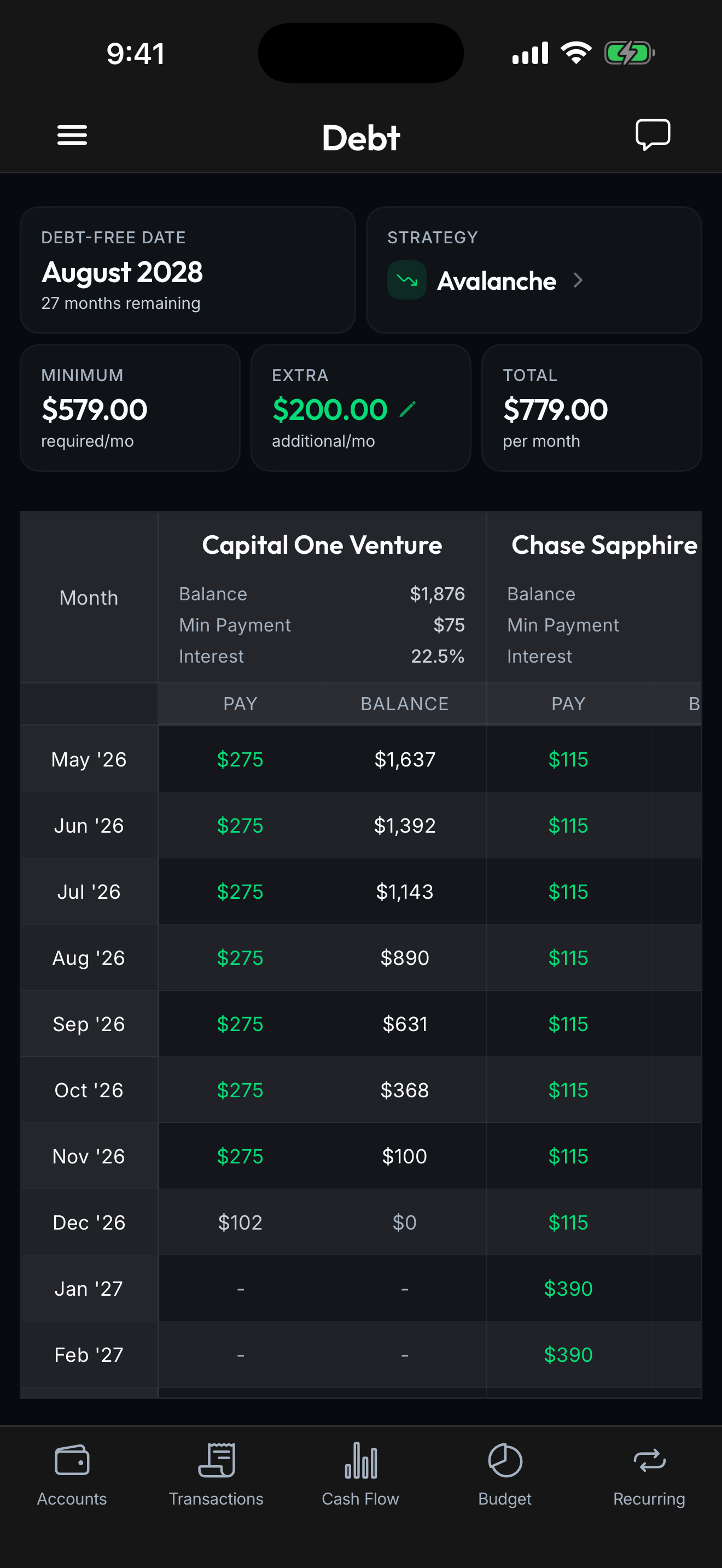
Spendify’s MCP is the first for everyday personal finance. Your grocery bills, your subscriptions, your credit card payments, your debt payoff progress. The financial data that actually drives your day-to-day money decisions.
These tools complement each other. You could use Truthifi for your 401k and Spendify for your daily spending. Different data, same AI assistant.
Your data stays yours
Security was the first thing we designed, not the last.
OAuth 2.1 with PKCE. When you connect, your browser opens Spendify’s own login page. You verify with a code sent to your email. No API keys sitting in config files. No secrets to manage or rotate.
The AI tool handles the flow automatically. You approve the connection once. After that, your AI authenticates seamlessly in the background.
Same security as the rest of Spendify. AES-256 encryption, Plaid-secured bank connections, the same infrastructure trusted by 13,000+ financial institutions.
Scoped to your account. Your AI can only access your data. Read and write permissions are controlled by your connection, and you can disconnect at any time from your AI tool.
Try it
Setup takes a few minutes. Full instructions are on our MCP page.
Already a Spendify user? Your browser handles login automatically. Just add the connection to your AI tool and approve it.
New to Spendify? Get your 7-day free trial. MCP access is included in every plan. No add-on, no extra cost.
Your AI already knows how to give financial advice. Now give it your actual financial data and see what it can really do.